Transform Your Photos with Urban Sketch Art Photoshop Action
For creatives in graphic design, photography, or digital art, finding tools that streamline workflow while enhancing visual impact is essential. The Urban Sketch Art Photoshop Action offers a powerful solution for transforming ordinary photos into compelling urban sketch-style visuals. Whether you're working on architectural designs, travel content, or artistic projects, this tool brings a unique blend of realism and hand-drawn charm to your work.
What Is Urban Sketch Art Photoshop Action?
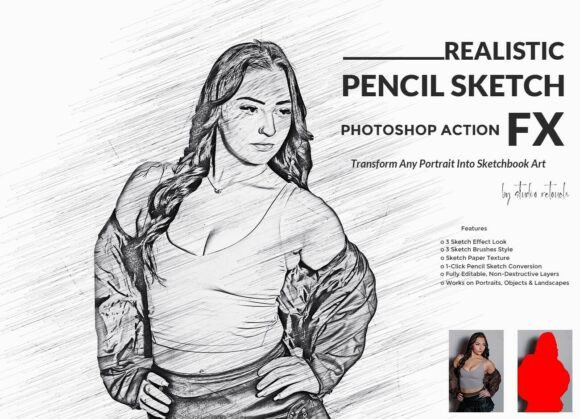
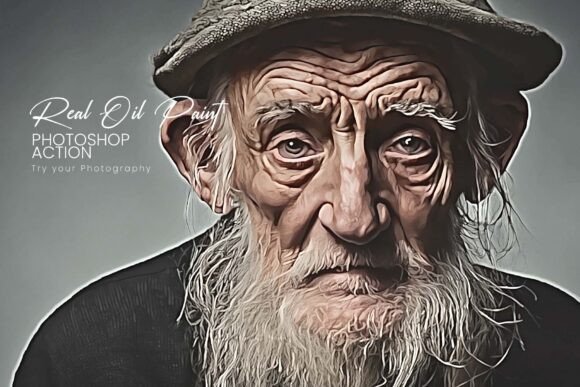
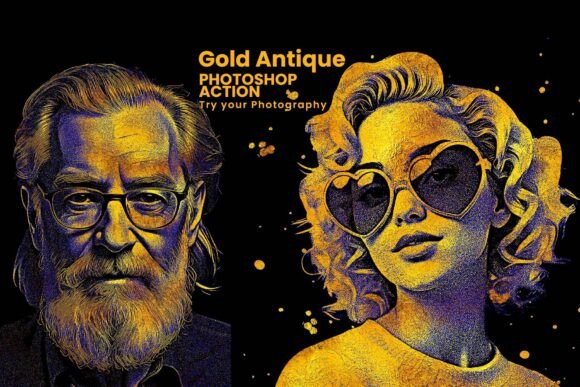
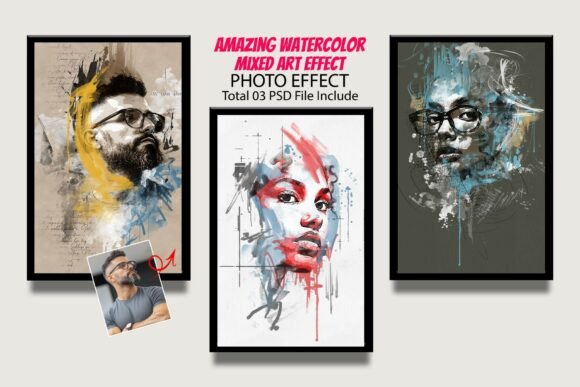
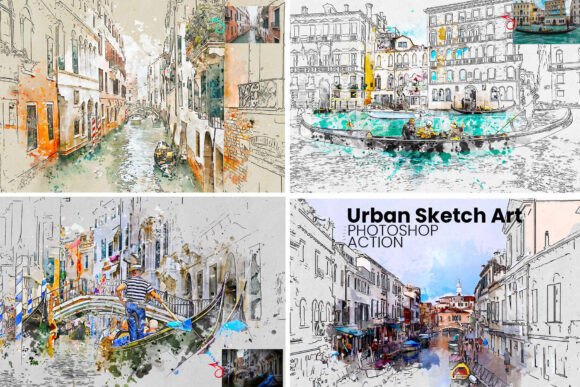
The Urban Sketch Art Photoshop Action is a professional-grade Photoshop tool designed to convert digital images into urban sketch-style artwork. It combines line art, watercolor textures, and architectural details to mimic the look of a hand-drawn illustration. With just one click, users can apply complex effects that traditionally required hours of manual editing.
This Photoshop action comes with a suite of supporting files including a brush set (.ABR), pattern file (.PAT), and a step-by-step help guide. These elements work together to ensure the final output looks authentic and polished, whether used for print or digital media.
Common Creative Challenges and How Urban Sketch Helps
Many creatives face the challenge of producing visually engaging content quickly and consistently. For example:
- Photographers may want to offer a stylized version of their cityscape shots without manually editing each image.
- Graphic designers working on travel brochures or posters might need to add an artistic touch that stands out.
- Artists looking to blend photography with traditional sketching techniques often struggle with achieving a natural, handcrafted look.
The Urban Sketch Art Photoshop Action addresses these needs by providing a streamlined process that maintains professional quality. It allows users to focus more on composition and creativity, and less on repetitive editing tasks.
How Urban Sketch Art Photoshop Action Works
Using the Urban Sketch Art Photoshop Action is straightforward. After loading the .ATN file into Photoshop, you simply select your image and run the action. The process applies multiple layers of effects, including:
- Line art overlays that mimic ink sketches
- Watercolor washes for soft, artistic color blending
- Dynamic texture layers for depth and realism
One of the most valuable aspects of this tool is its customizable layers. Users can adjust the intensity of line art, modify color tones, or enhance textures to suit their specific project. This flexibility makes it ideal for both subtle enhancements and bold artistic reinterpretations.
Practical Applications Across Creative Fields
Let’s explore how different professionals can benefit from using the Urban Sketch Art Photoshop Action:
1. For Photographers
Photographers who specialize in architecture or urban landscapes can use this tool to offer a stylized version of their portfolio. Instead of delivering only realistic shots, they can present clients with artistic interpretations that highlight structure and form in a new way. This can be especially appealing for real estate, travel, or editorial photography.
2. For Graphic Designers
Designers working on city-themed posters, tourism materials, or branding projects can integrate the Urban Sketch Art Photoshop Action to create visuals that stand out. The urban sketch aesthetic is both modern and nostalgic, making it ideal for campaigns that aim to connect emotionally with the audience.
3. For Digital Artists
Artists who blend photography with digital painting can use this tool as a starting point. The action provides a base sketch that can be further enhanced with hand-drawn elements or layered with other textures. It’s a great way to speed up the creative process while maintaining an organic feel.
Getting the Most Out of Urban Sketch Art Photoshop Action
While the action is designed for ease of use, there are several best practices that can help you achieve the best results:
- Use high-resolution images – The quality of your output depends on the original photo. Crisp, well-lit images with clear architectural lines tend to yield the most compelling results.
- Experiment with layer blending modes – The customizable layers allow for creative adjustments. Try changing the blend mode of the watercolor or line art layers to see how it affects the overall look.
- Combine with other assets – The included brush and pattern files can be used to enhance specific areas of your image. You can also add your own textures or brush strokes for a more personalized touch.
- Test different subjects – While the action is ideal for cityscapes and architecture, don’t be afraid to try it on other subjects like portraits or nature scenes. You might discover a new artistic style that works for your brand or portfolio.
Who Should Use Urban Sketch Art Photoshop Action?
This tool is particularly useful for:
- Creative professionals who need to deliver high-quality artistic visuals efficiently
- Designers working on urban-themed projects that require a hand-drawn aesthetic
- Photographers looking to expand their post-processing capabilities with minimal effort
- Artists who want to incorporate photo-based elements into their digital illustrations
Even if you're not a Photoshop expert, the included help file ensures that you can apply the action confidently. It walks you through each step of the process, from installation to final adjustments, so you can start creating right away.
Final Thoughts
The Urban Sketch Art Photoshop Action is more than just a filter — it’s a powerful creative tool that opens up new possibilities for transforming digital images into artistic expressions. Whether you're looking to enhance your portfolio, create compelling marketing materials, or simply explore a new visual style, this action delivers professional results with minimal effort.
By combining architectural precision with the warmth of hand-drawn art, the Urban Sketch Art Photoshop Action helps you bring a fresh, engaging look to your work — all while saving time and maintaining creative control.